Written in QML.
Quickshell, not Waybar: one panel per output, a Rust daemon behind them answering what Hyprland’s IPC will not, and a fullscreen mode that relocates a whole cluster to another screen rather than hiding it.
 VaporOS← Jacob McKenzie’s portfolio
Not a theme pack — the compositor config, the bars, the launcher, the notification daemon, the session manager and the tools that draw them. Published straight out of the repository that keeps one machine alive, with everything identifying that machine removed by an allowlist.
Quickshell, not Waybar: one panel per output, a Rust daemon behind them answering what Hyprland’s IPC will not, and a fullscreen mode that relocates a whole cluster to another screen rather than hiding it.
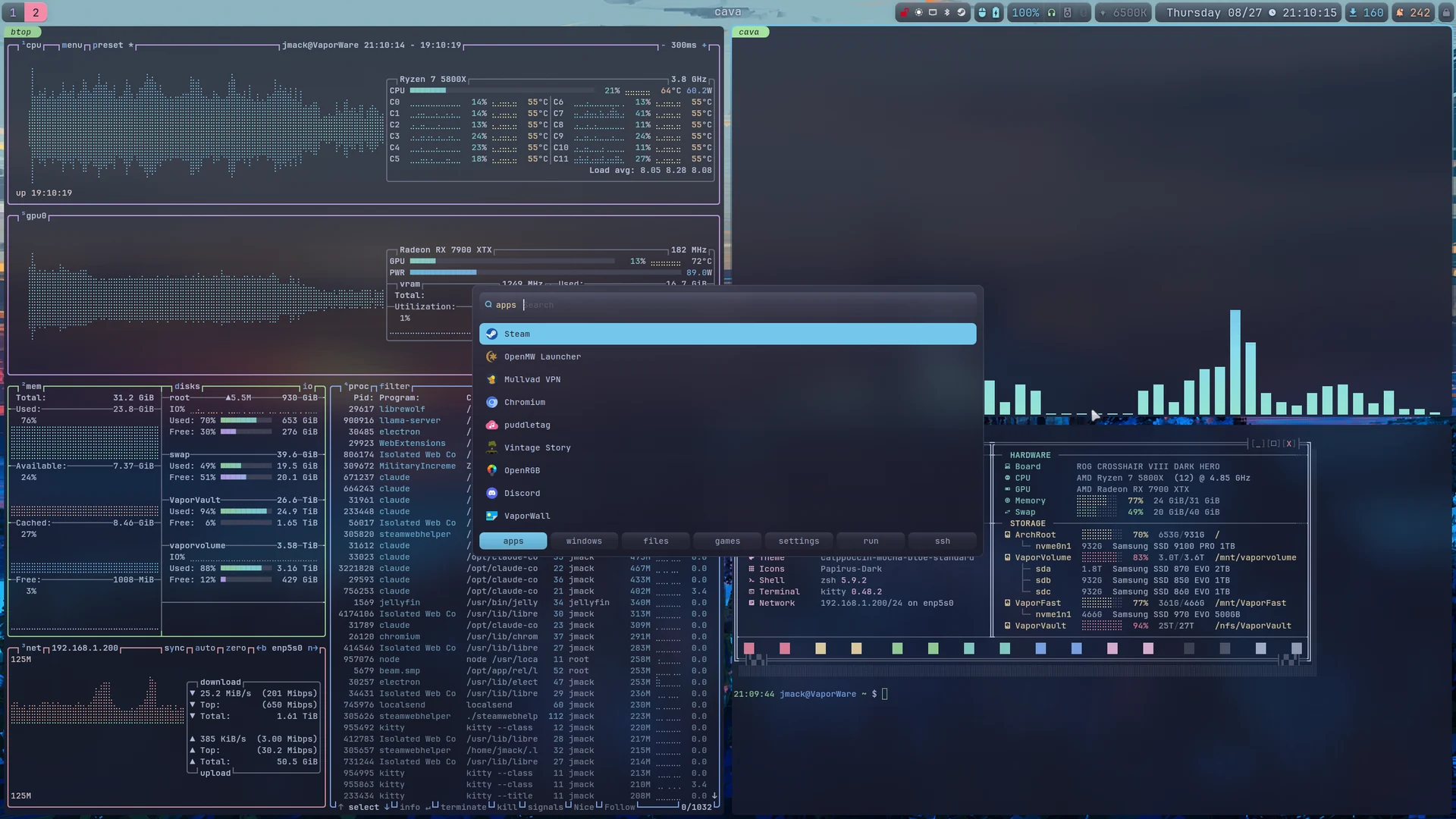
Apps, windows, files, games, settings, run, ssh — tabbed behind a single bind. The settings tab is a live toggle board calling the same helpers the bar’s own clicks call, so the two cannot drift.
Every window’s workspace, geometry, group and command line, snapshotted on a timer and at shutdown, laid back out at the next login — matched by address, never by title or PID.
The desktop surfaces are Quickshell: QML, one process, drawing Wayland layer surfaces. There is no bar binary with a config file — there is a QML tree, and shell.qml is its root. Bar.qml is the entire layout, and which modules appear is one shown: expression per module, evaluated against the monitor that instance of the bar is on.
Anything that touches the network prints a cache and forks a refresh behind it. The update pill is the model: it returns whatever the cache last said and, if that is stale, forks a rescan and returns the stale numbers anyway. checkupdates and yay -Qua take seconds; a module that waited for them would stall every other module with it. Press play on the drawing above to watch a workspace switch, a rescan, the DEV row pin itself and the blur come on.
| Module | What it does |
|---|---|
| Workspace tabs | Named and renameable in place, icons derived from the windows on them, drag a tab to another monitor |
| DEV row | A second strip under the main bar: workspaces bound to F1…F12 by position, so the row reads like a tab bar and the keys never drift |
| Agent column | Live badges for terminal coding agents, their quota meters, and the local models loaded in Ollama |
| Updates | Pending pacman and AUR counts, cross-referenced against unread Arch news — the package named in the news is the one that will need a hand |
| Audio | The group follows whichever DAC is awake: per-application volume, microphone, headset battery |
| Killswitch | One pill that freezes every local agent and stops the model server |
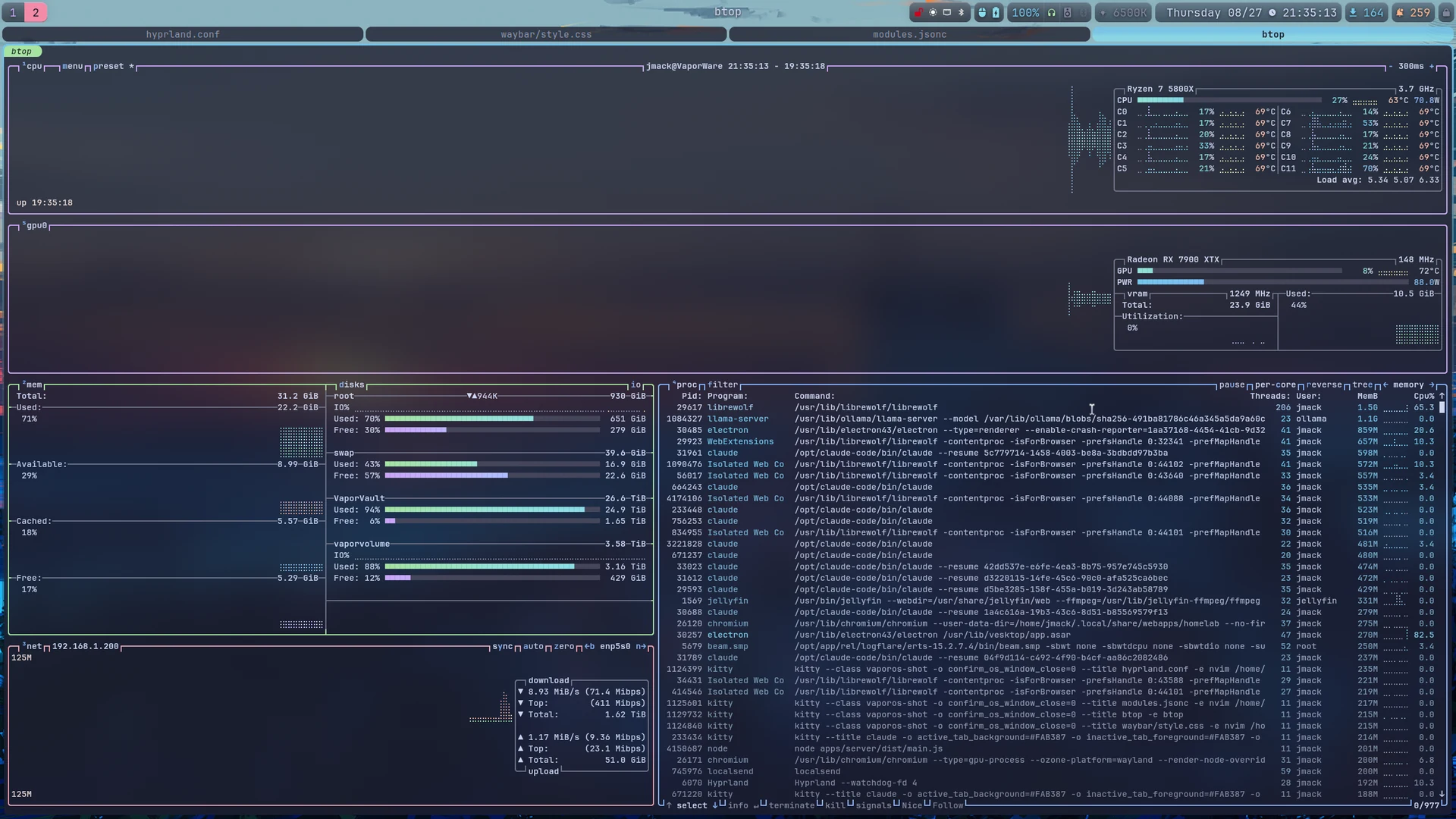
SUPER + D opens on apps; Shift + Right/Left walks the tabs. The apps tab is combi wrapping drun alone, which looks redundant and is not: plain drun accepts unmatched text only on Ctrl+Return while combi accepts it on Return, so the launcher doubles as a command bar.
prefix, so every token must start a word — the cost is that substring search is gone.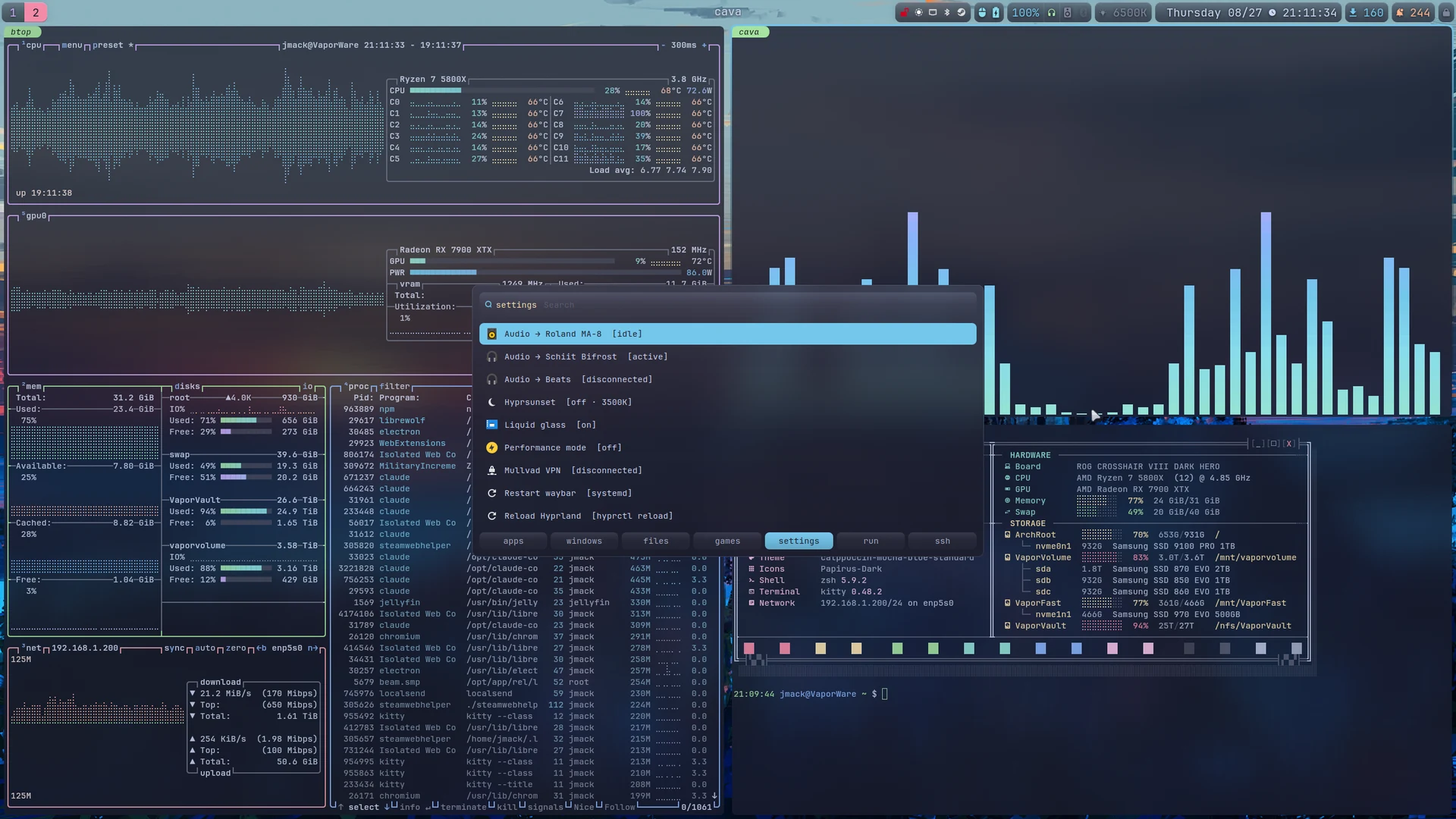
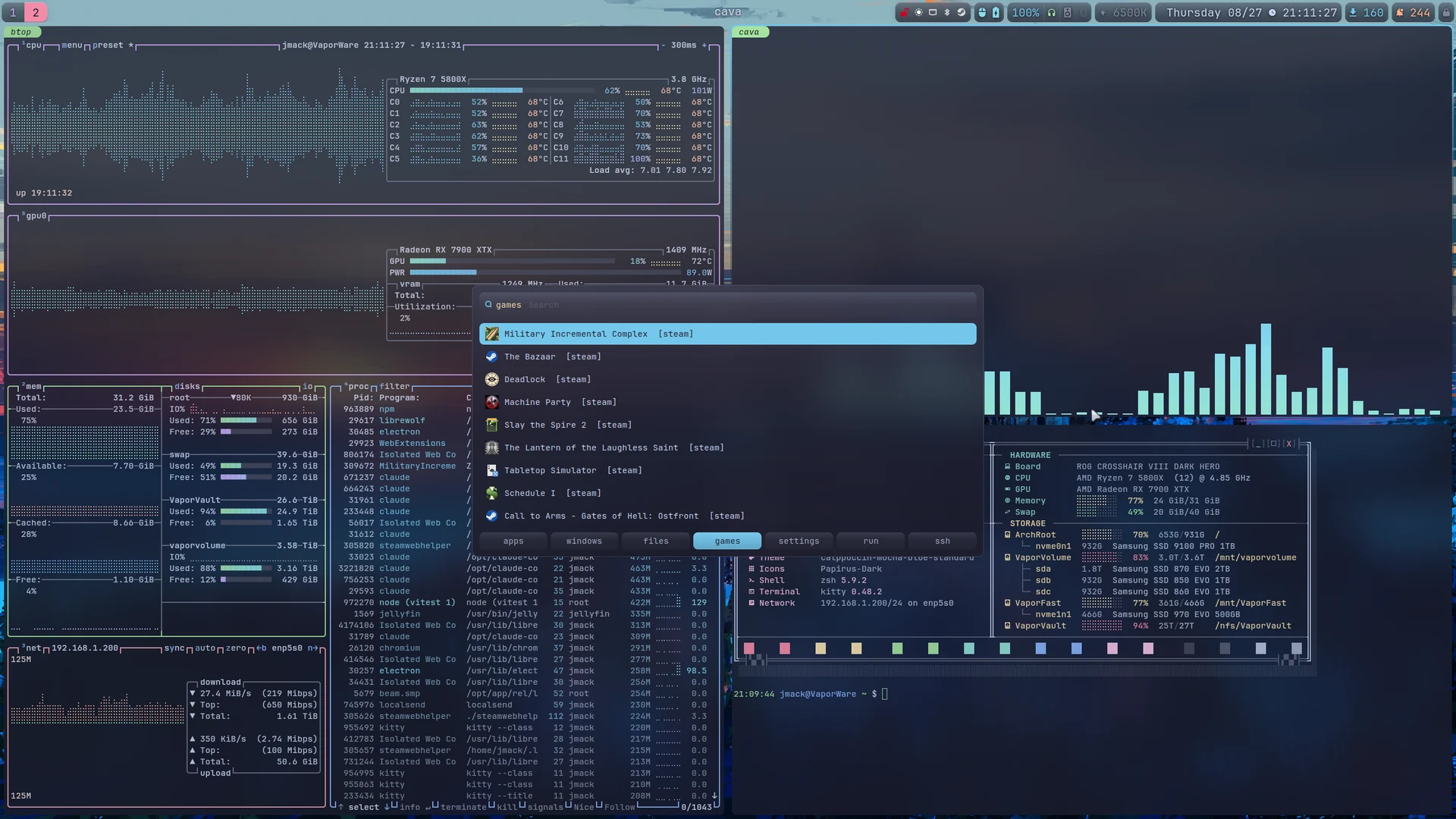
Categories=Game desktop entry.Windows mode uses hyprctl rather than rofi’s built-in window modi, which talks EWMH over xcb — absent on Wayland, so the list comes up empty. hyprctl also knows about special workspaces, so the scratchpad is reachable.
swaync, themed to match, with actions wired to the subject of the notification: a finished download opens the file, a screenshot opens the screenshot, a failed unit offers its journal. The bell in the bar toggles the sidebar.
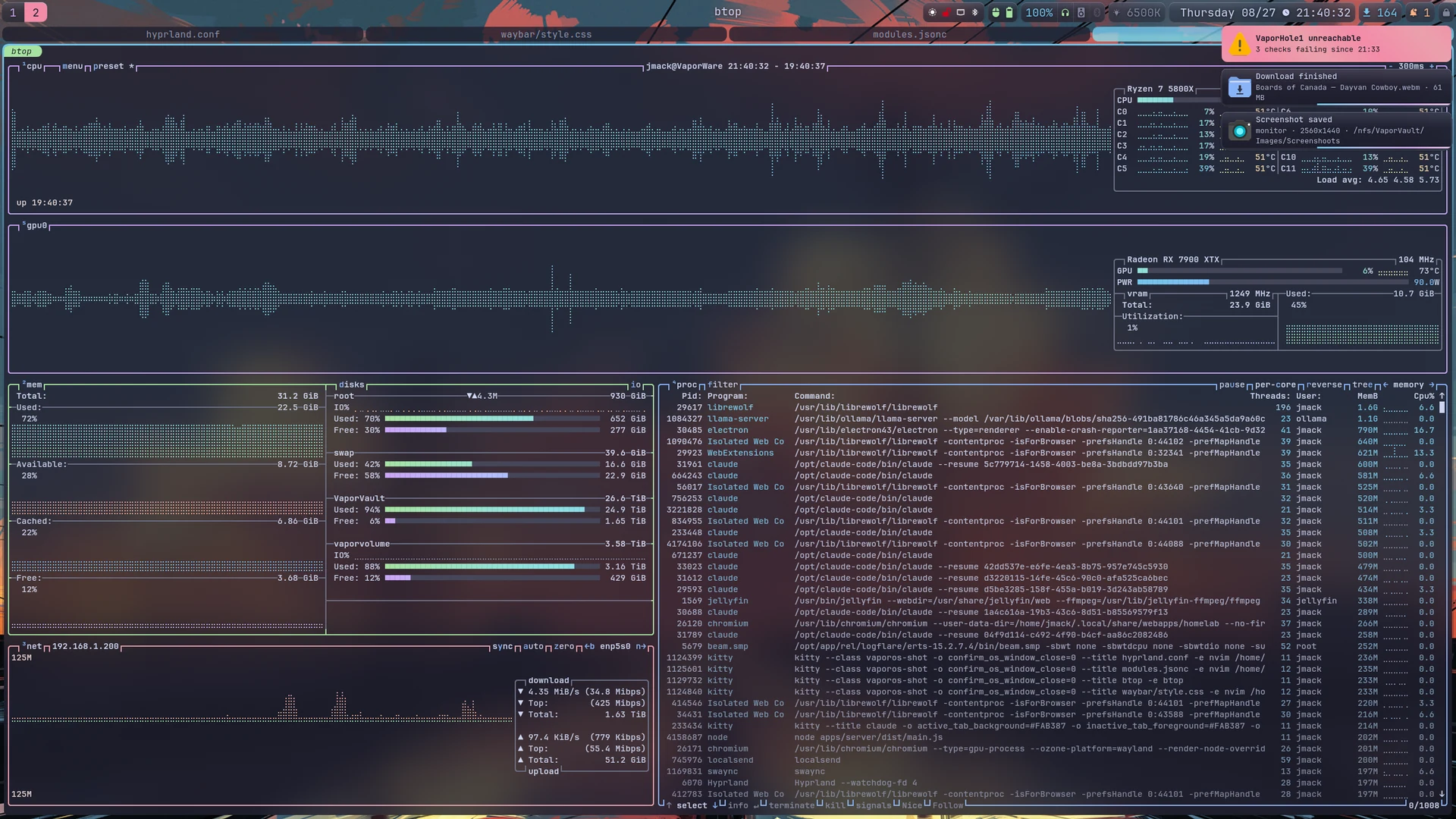
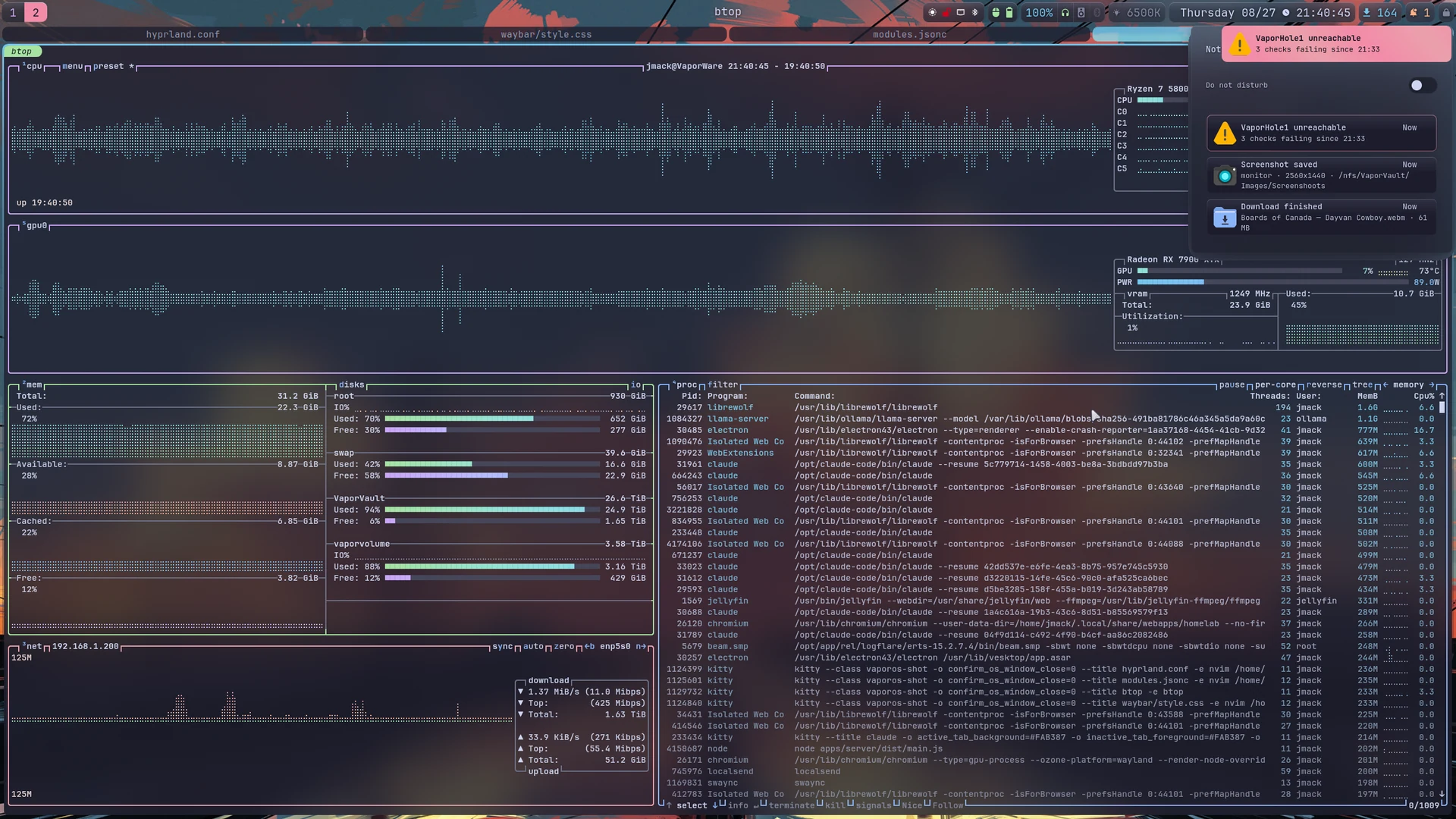
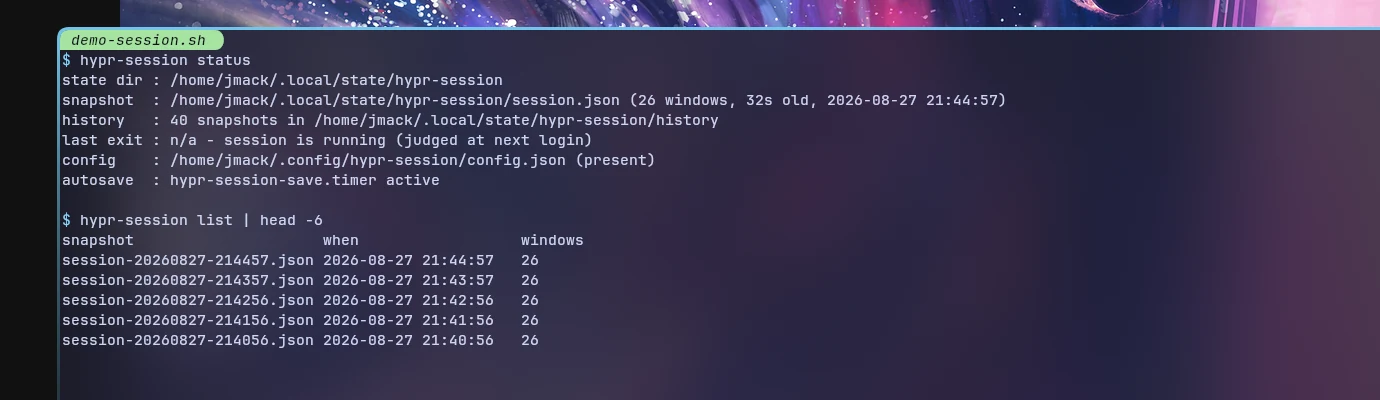
hypr-session snapshots every window — workspace, geometry, group membership, and the command line that produced it — on a timer and at shutdown, and lays it back out at the next login.
Windows are matched back by address, never by title or PID: titles change while you work, and PIDs get reused.
GTK 3 and 4, Qt 5 and 6, the cursor, the icon folders, bat, btop, cava, mpv, the launcher, the bars, the lock screen and the shell. The “glass” is Hyprland’s own blur under layer rules, toggled at runtime — the bar asks the compositor for it rather than faking it in CSS, which is why it is one IPC call and not a config edit.
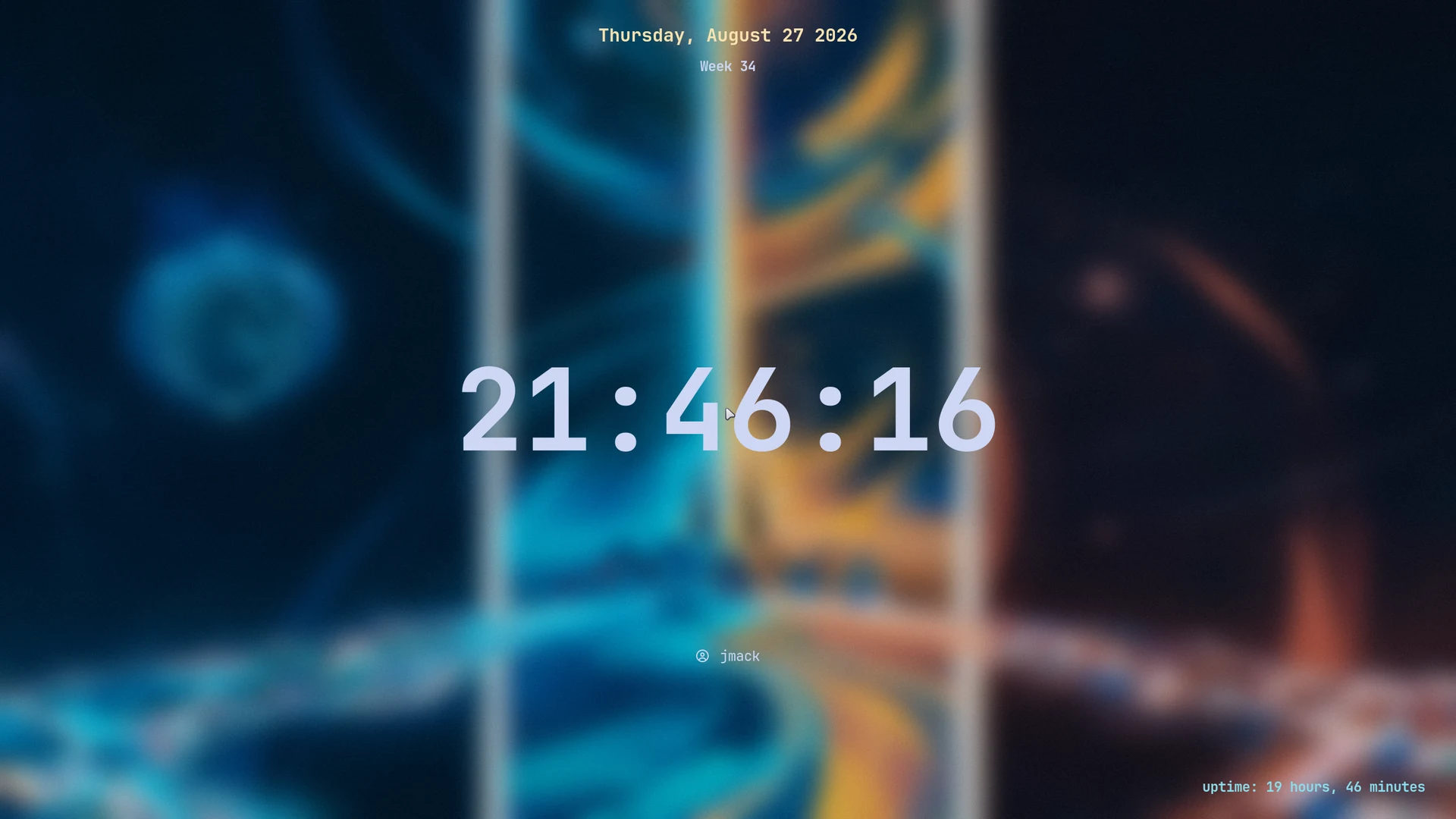
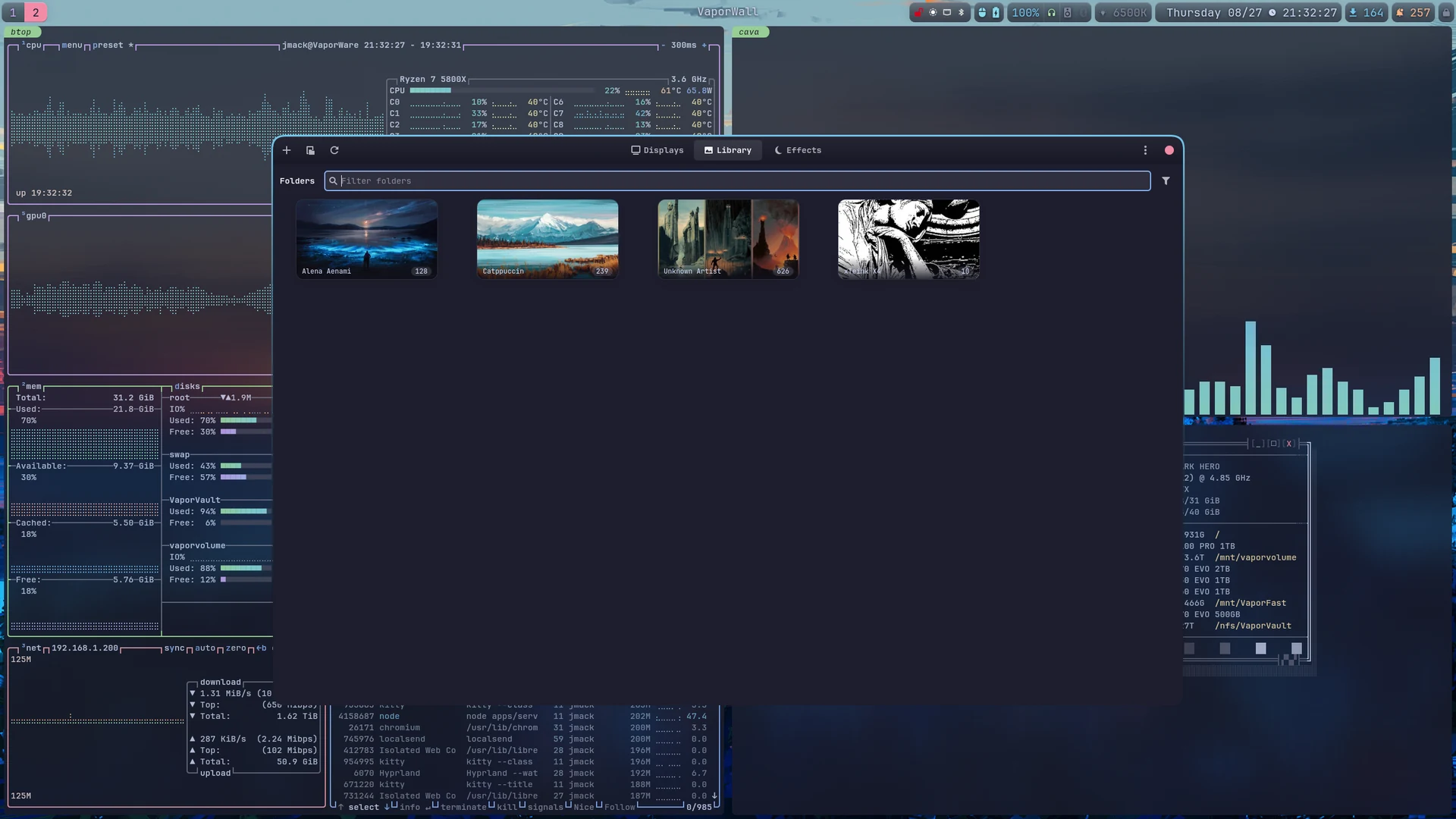
wpaperd, driven by VaporWall — a separate project, not part of this repository.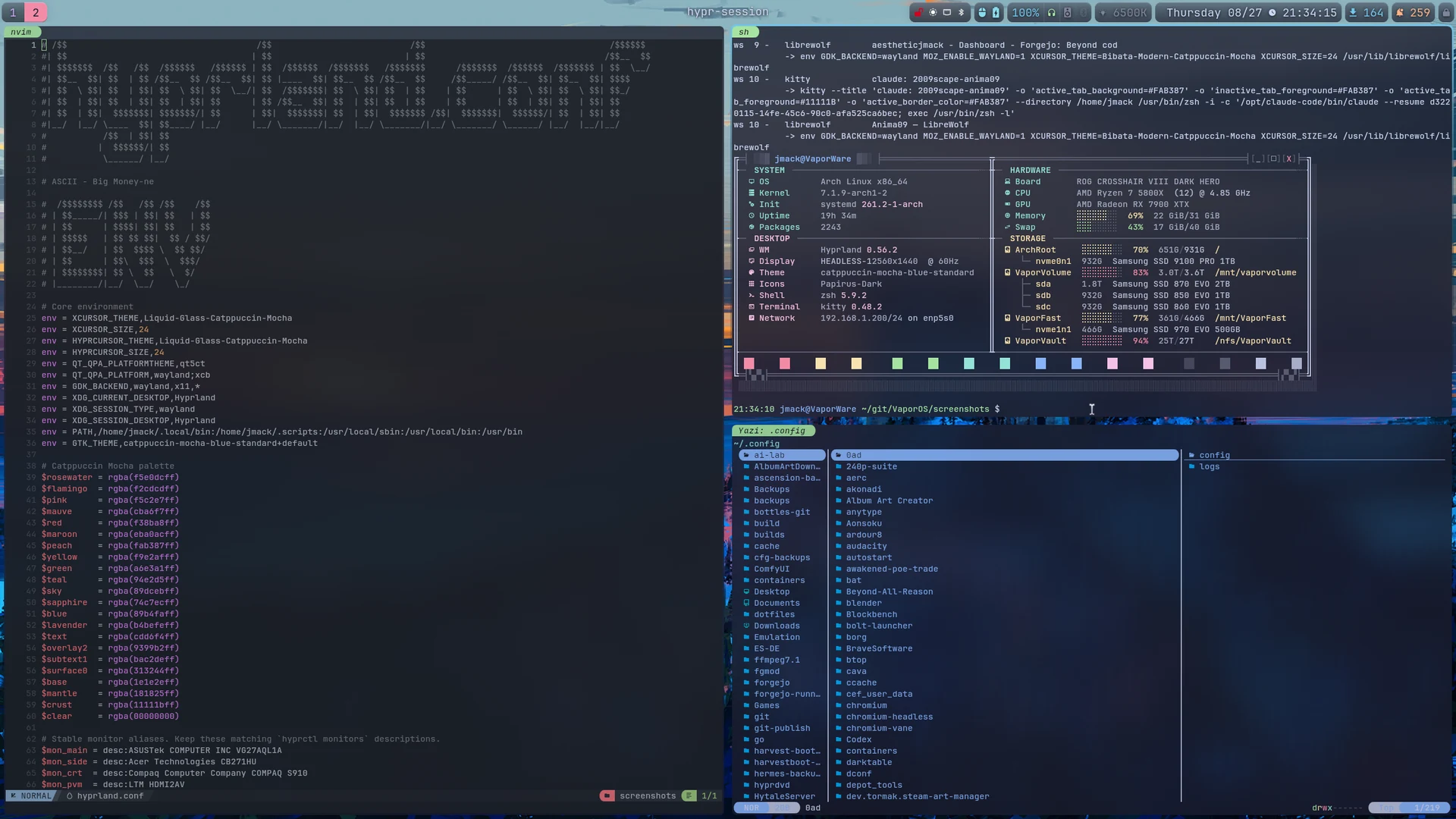
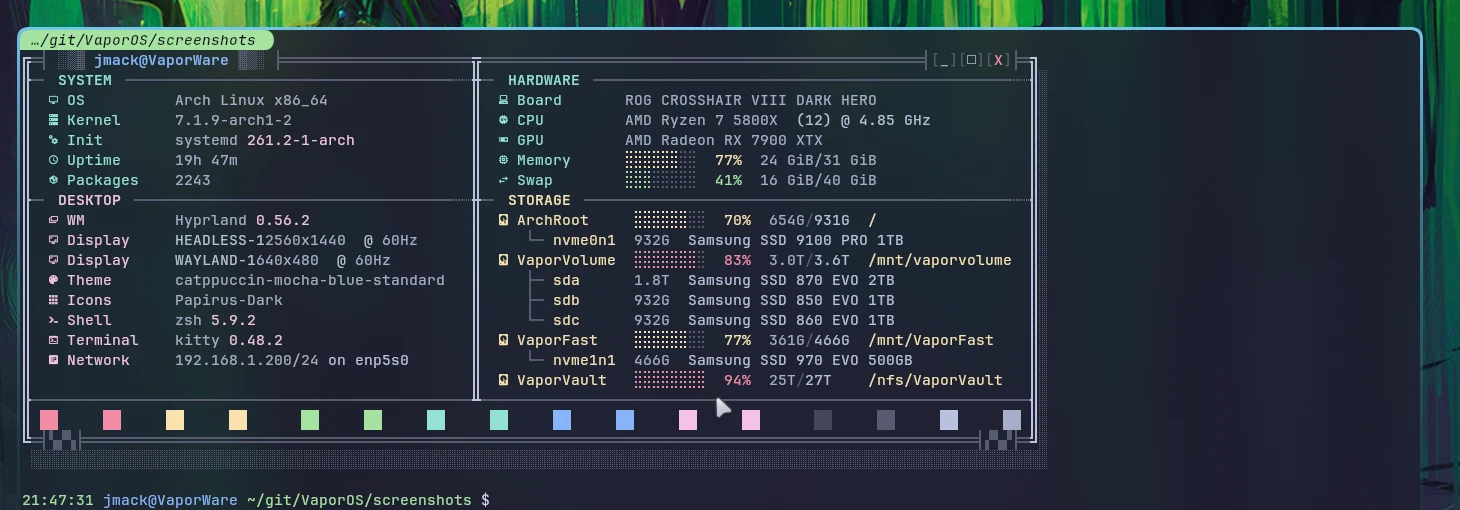
--apply backs up anything it replaces to ~/.vaporos-backup/<timestamp>/, substitutes the placeholder home and account name the export writes, and then prints the steps it deliberately will not take for you: installing packages, building the Rust daemon, enabling units, and one optional polkit rule.
git clone https://git.coolhole.net/aestheticjmack/VaporOS.git vaporos
cd vaporos
./install.sh              # dry run: prints every file it would write
./install.sh --apply
Read docs/adapting.md before your first login. Monitor names are hardcoded — as they are in any Hyprland setup — and the four places that name them are listed there in the order they will bite you.
This is an export. The repository it comes from holds one machine’s entire state — /etc, package sets, monitor EDIDs, mount points, and a homelab of private services — and is not public. Three rules decide what crosses.
| Allowlist | A file is published only if the export names it. Anything new is absent by default — a forgotten allowlist entry is a missing feature, a forgotten scrub rule is a leak. |
| Scrub | Rewrites what is structurally unavoidable. A home directory has to be some path; the export writes a placeholder, and the installer writes yours. |
| Leak gate | Every output file is grepped for the user name, the domains, the host names, any address literal and key material. One hit deletes the tree and exits non-zero, so a bad build cannot be committed by accident. |
The documentation is treated the same way: pages that only describe that one machine are not published at all, and whole paragraphs naming the homelab are dropped from the pages that are — with the code example under them. Nothing is rewritten to hide anything; the removal is whole paragraphs, not edits inside them.
A few things are therefore inert. The workspace tabs can show an icon for a running self-hosted service, and the list of those services is not published — so that reader finds nothing and the tabs simply show no service icons. It is left in place because deleting it would mean rewriting the modules that call it.
Free software under GNU GPLv3 or later. Third-party assets — the Catppuccin palettes, the bundled btop themes, the Nerd Font glyphs — keep their own licenses.